GESS Indonesia 2016

fullsizerender-4

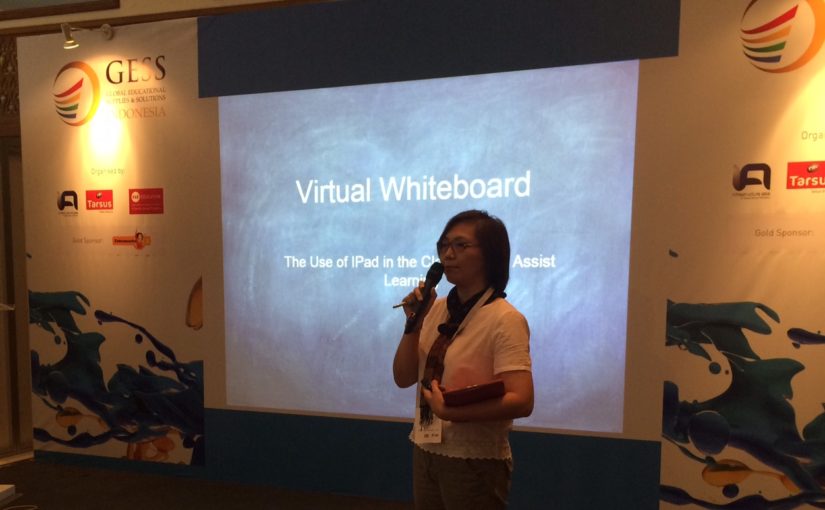
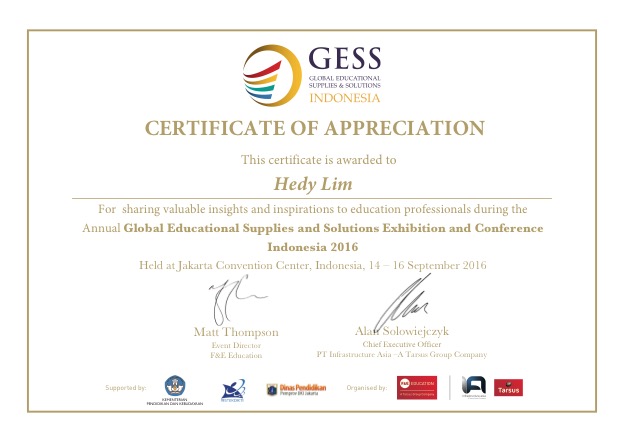
This year, I had opportunity to join in GESS Conference as one of the speaker. Or better saying as a person who willing to share his / her idea or experience on their journey of teaching (If the person is a teacher, like me 🙂 ).

I shared the use of IPad in the classroom to assist learning. I have been using it for several years.

Use your IPad (tablet) as a mobile interactive whiteboard and enjoy a completely untethered teaching experience. Focus on your class and not the whiteboard. Embed rich media elements like graphics, images and videos and leverage a variety of drawing and annotation tools to make your lectures come alive. You don’t need a traditional interactive whiteboard anymore.

Before IPad, I used a wacom (a drawing pad connected to the PPT) since 2008, and one of my sharing can be read here.

I started looking for other alternatives through the IPad. From the first launched in early 2010, I believe that IPad will be a very useful tool for the completeness of my teaching in the classroom.

Let’s see the IPad role in my class, among others:

1. The virtual whiteboard.

2. Presentations that have been made previously in Keynote / PPT / Sway / Video.

3. Live presentation screen recording.

4. Post the presentation directly in to the virtual classroom / online, Schoology based.

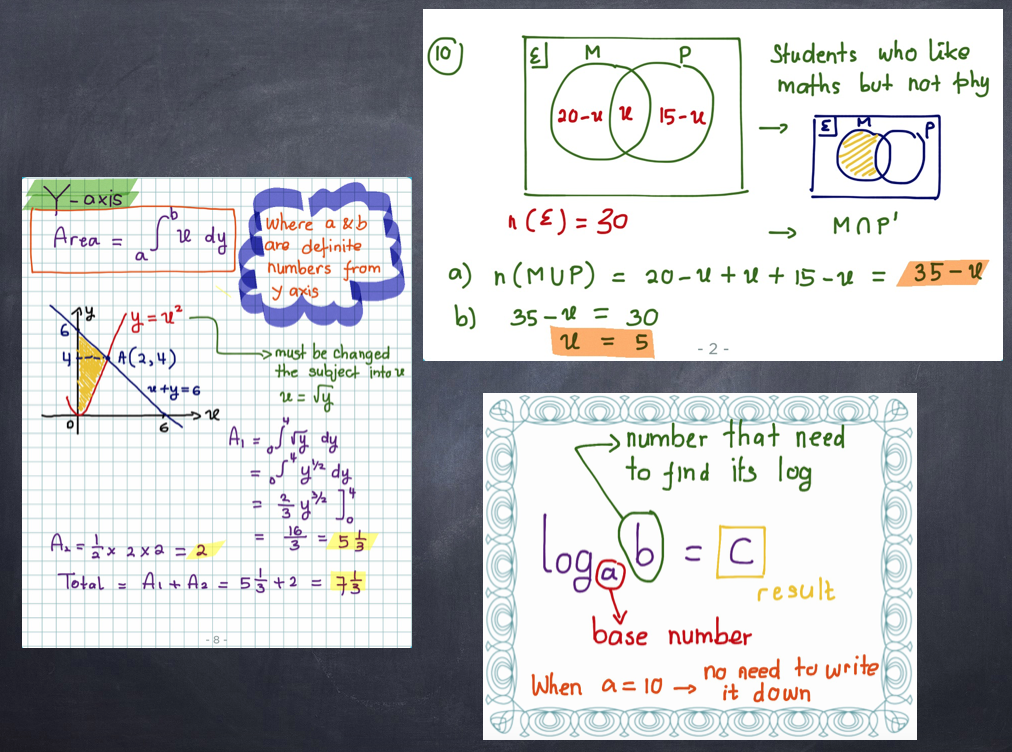
5. Browsing certain websites during the lesson. For me, there are some difficult things to explain through presentations that have been made in advance and presented by PPT. Sometimes I need to do in the same time, both explaining and writing. In this case, the IPad, the virtual whiteboard, solved my problems.

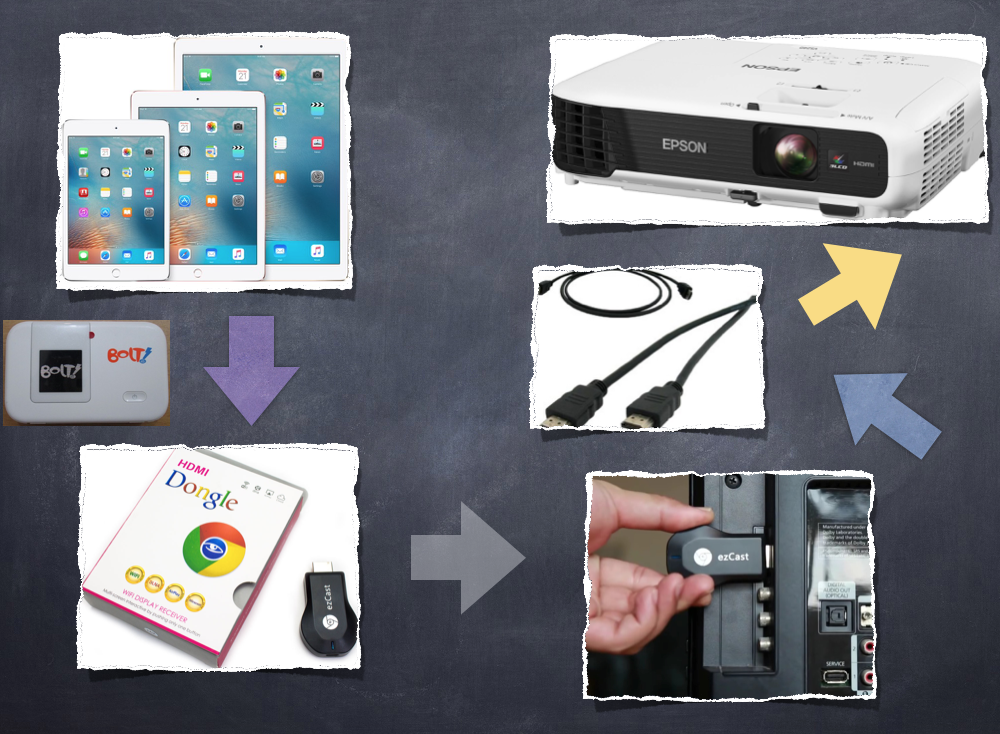
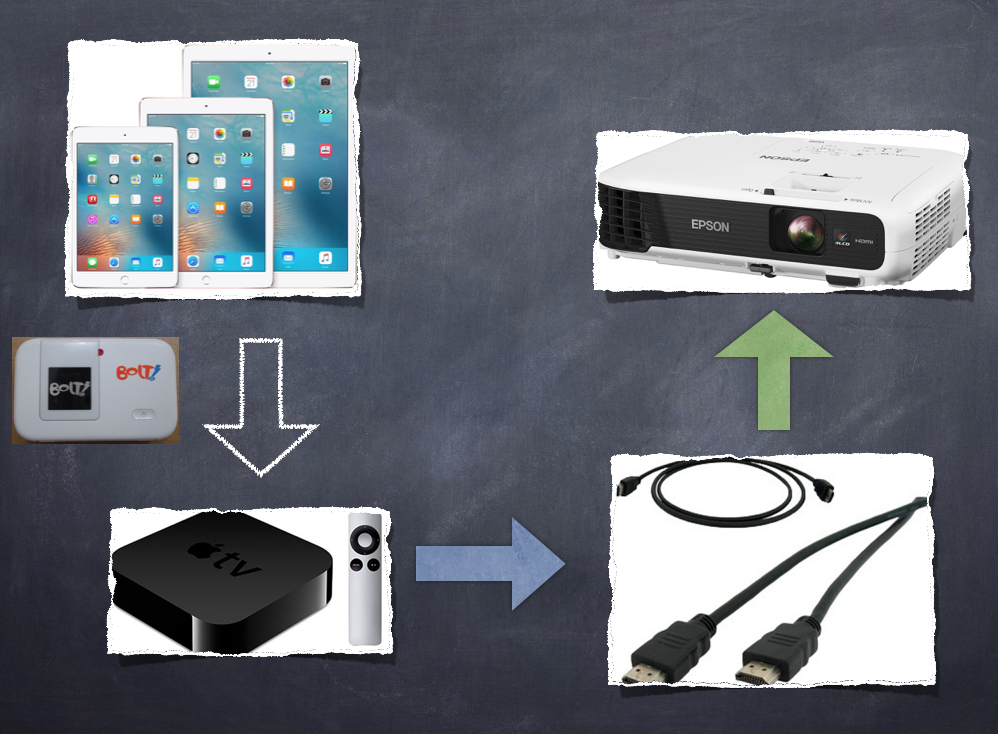
How is the workflows of the use of IPad and to connect it to the classroom projector? Check it out here:

1. Install Penultimate.

2. Install Explain Everything.

3. Install Schoology.

4. Internet / wifi connection in the classroom.

5. When I need a virtual whiteboard during my explanation, I open Penultimate. If I want to show images (from my files or from internet), I can easily insert it into my whiteboard screen.

6. If I want to explain with the help of software such as GeoGebra / desmos calculator, I also can easily replace the display board into browsing screen to access the website.

7. To display the virtual whiteboard on a projector screen, can be helped by these ways:

a. VGA cable connection with IPad to the projector.

b. If no cable like above, and your desktop is iMac or MacBook (desktop connected to the projector), IPad screen first transferred via USB cable connection to the iMac or MacBook use Quick Time Player Recording, and then to the projector (By doing this, I can easily record my screen presentation).

c. Use Apple TV: wireless, your mobile virtual whiteboard.

8. To create screencast lesson video, I use “Explain Everything”. This method used for the purpose of my blended learning / my flipped mastery classroom.

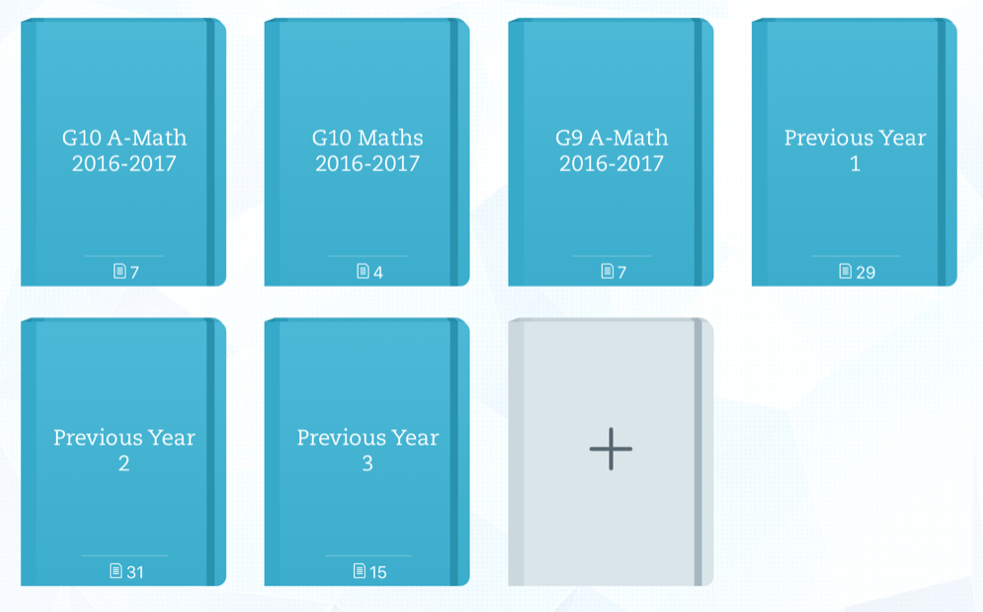
9. And, to store all those materials or classroom’s archive with students, I use online class, LMS, Schoology. Students can easily reach out the materials / teaching materials, anywhere, anytime. And they are also assessed by various formative tests in Schoology.

Some pictures to describe the connection:
screen-shot-2016-09-27-at-10-46-47-am screen-shot-2016-09-27-at-10-47-05-am screen-shot-2016-09-27-at-10-47-36-am screen-shot-2016-09-27-at-10-47-57-am

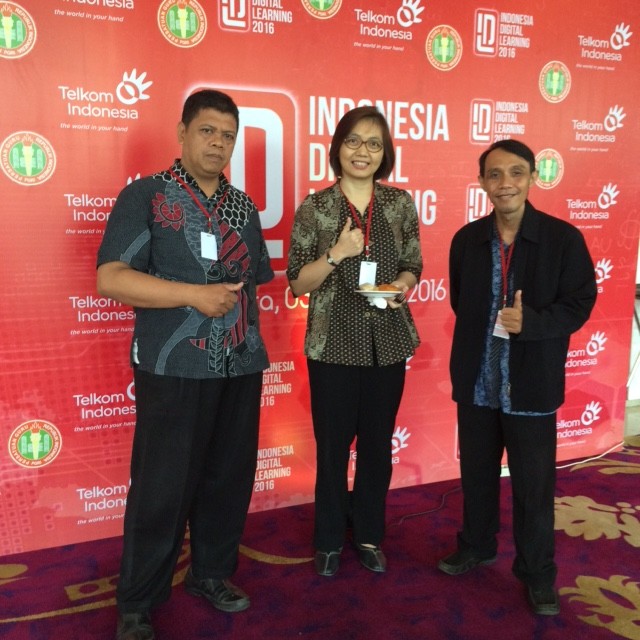
Souvenir from Indonesia Digital Learning 2016

We teach 21st century students, we are from 20th century teachers, we teach in 19th century school and in 18th century classroom design.

IMG_4043

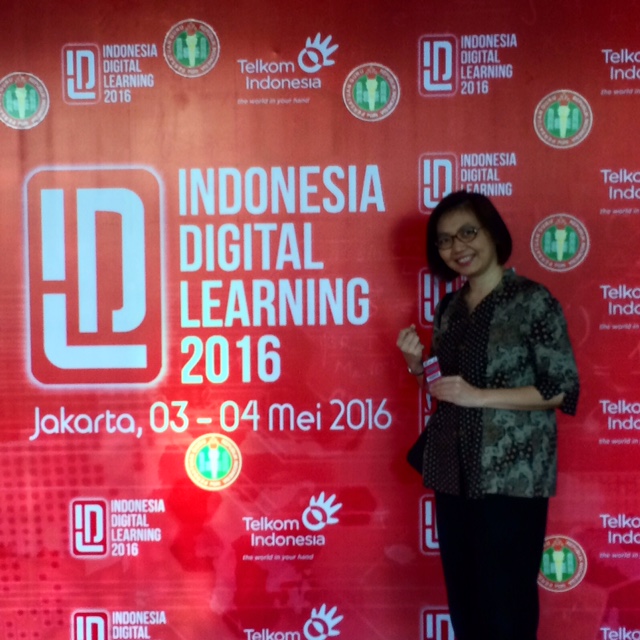
I joined seminar held by PT Telkom Indonesia, “Indonesia Digital Learning 2016” at hotel JS Luwansa, Kuningan, Jakarta.

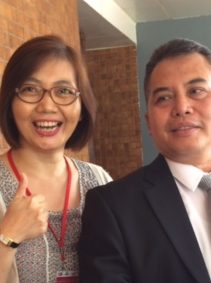
I was pretty excited with this chance. I went there with idea to meet, to learn and relearn. To meet and greet my colleagues from many school around Jakarta. Lucky me, I met several teachers from outside Jakarta and Java. And also met my “online” colleagues from the blog that we join and follow.

IMG_4057 (1) 


Seminar was held for two days. The key speaker was Prof. Richardus Eko Indrajit. With all materials can be downloaded from IndonesiaDigitalLearning.com website, Prof. Eko still conveyed his speech so interesting. He did very well, for “not a new thing anymore” , which means not over information about 21st century learning skills. I believe, we need to be reminded as teachers, but not too over as now we almost past 20 years of our 21st century 😄.

Teaching with technology is not only teaching use gadgets as tools. Some people still need to shift the paradigm about it. Tools for teaching doesn’t make you as the teachers who applies technologies in 21st century learning, only some parts of it.

The most important thing is how you handle situation in your teaching and learning environments. You use handy, cool, and powerful gadgets, but you still tell your students that they can not use those stuff or even calculator to help them calculate in class, means you totally misunderstanding and misinterpretation the idea of technology itself.

Back to the event, I saw bunch of teachers in different necessities, those who really want to learn new things, the other one who want to share, some want to be reminded the idea of technology in education (like me, probably 🙂 ). With many reasons, we were there and tried to do as the best as we could to involve in education, where ever we are.

__________________________________________________________________________

IDL is one of CSR program from PT Telkom Indonesia for Improving Indonesian Education. It is amazing. Our education really need to be supported from many aspects. They also encourage teachers from all over Indonesia to involve with the improvement of the education itself.

The IDL program is to increase teachers’s competences in ICT for teaching and learning process.

One of the encouragement given is competition. Yeaaahh most people like competition, they like to compete to others. And the title for the winners is A HERO :).  For me, personally, it is kinda weird terms. You compete to be a winner, not to be a hero.

To be chosen as 45 finalists from hundreds (almost a thousand) teachers, will be a proud for teachers mostly. It’s natural feeling, isn’t it? How can you be in the 45 teachers and in few days, will come up with 8 heroes? What is the consideration from the Jury? Is it fair enough? Is the chance really for everyone? Are they looking for the real hero from all over school in Indonesia? Or they have concerns on choosing someone to be the brand of “My Teacher My Hero”? Pro and Cons come from this event.

Talking to myself, if they want to find the real Hero, they should spread the chance widely. If only given to some people and same people, their program does not work in well.

Jakarta, May 2016

Catatan Harian UN (Hari ke-4)

IPA

Akhirnya tibalah di hari terakhir. IPA, dengan pemusatan pada Fisika dan Biologi. Lumayan banyak materinya. Ada sering disebut belajar kimia, seperti pernah saya menuangkan dalam artikel di sini. Namun, pada saat pemusatan konsentrasi belajar untuk UN, tidak ada lagi materi yang pernah dipelajari tersebut. Dan saya yakin, anak ini pasti akan lupa pada saatnya belajar kimia dasar nanti di SMA 🙁 *hiks*

Tidak banyak cerita yang dibawa dari sekolah, selain “Fisika lebih lancar ma kerjainnya, Biologi yaaa begitulah…”. “Begitulah” itulah yang kadang bikin “seru” 😉 .

So, tiga tahun telah berlalu dari cerita UN SD, tahu-tahu pun sekarang sudah selesai UN SMP. Akankah tiga tahun dari sekarang, UN masih ada dan memiliki aturan baru (lagi) ? Kita lihat saja nanti.

————-

Jakarta, 12 Mei 2016

<3

mama

snowflake snowflake snowflake snowflake snowflake snowflake snowflake snowflake