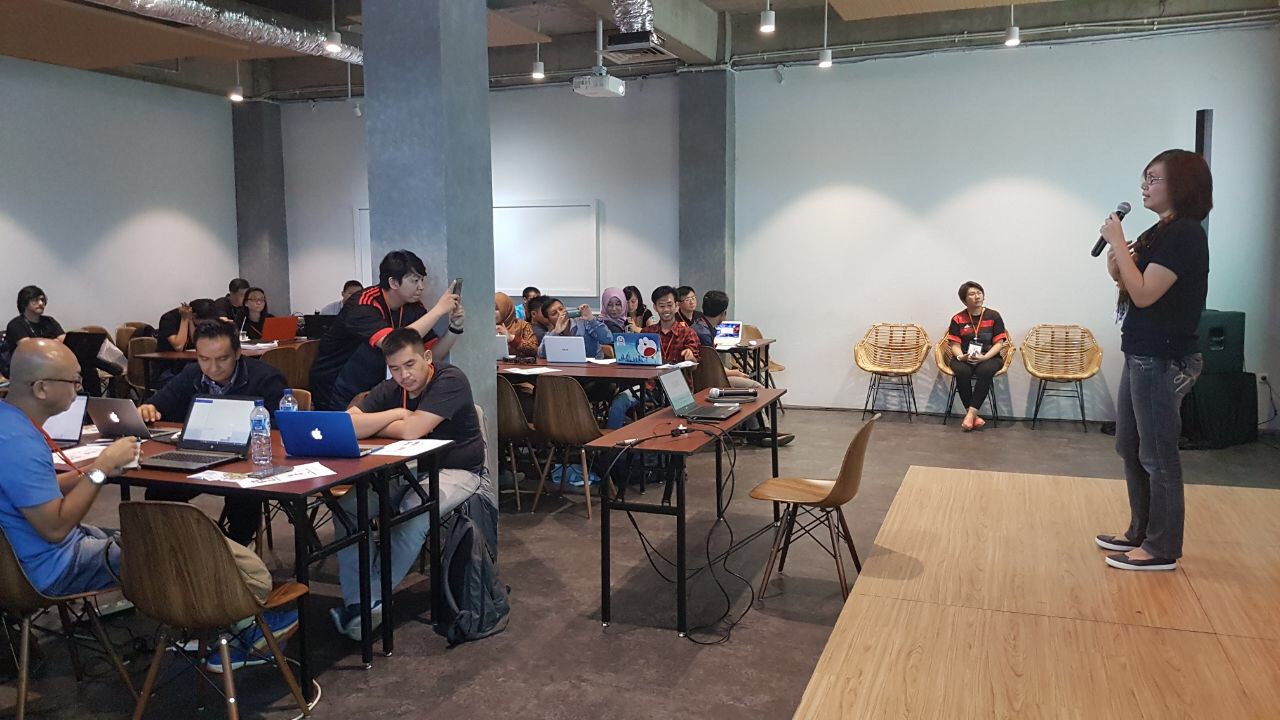
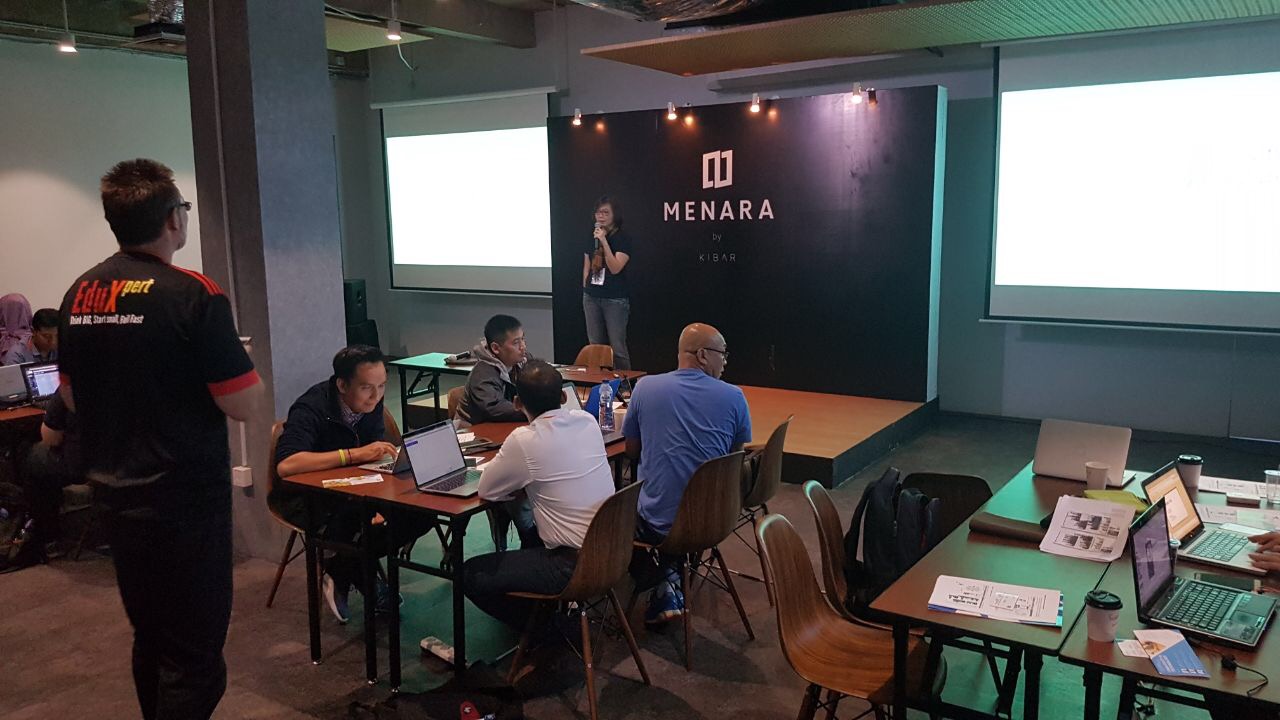
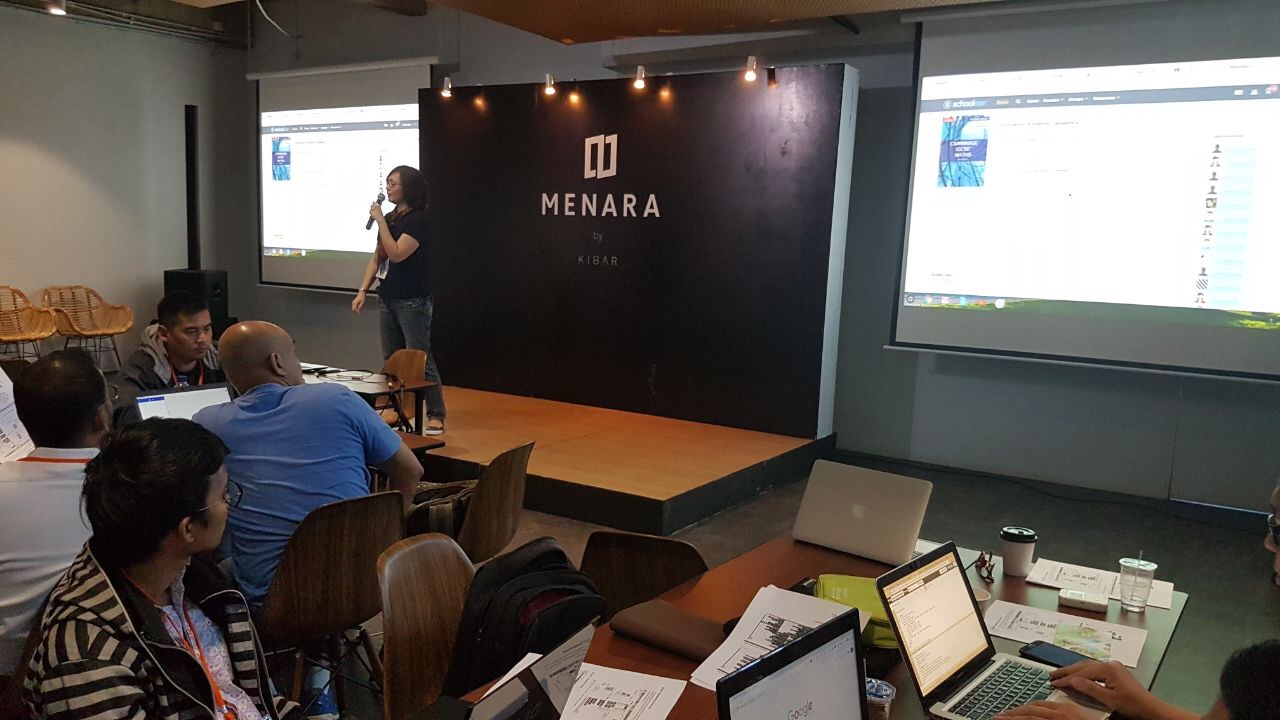
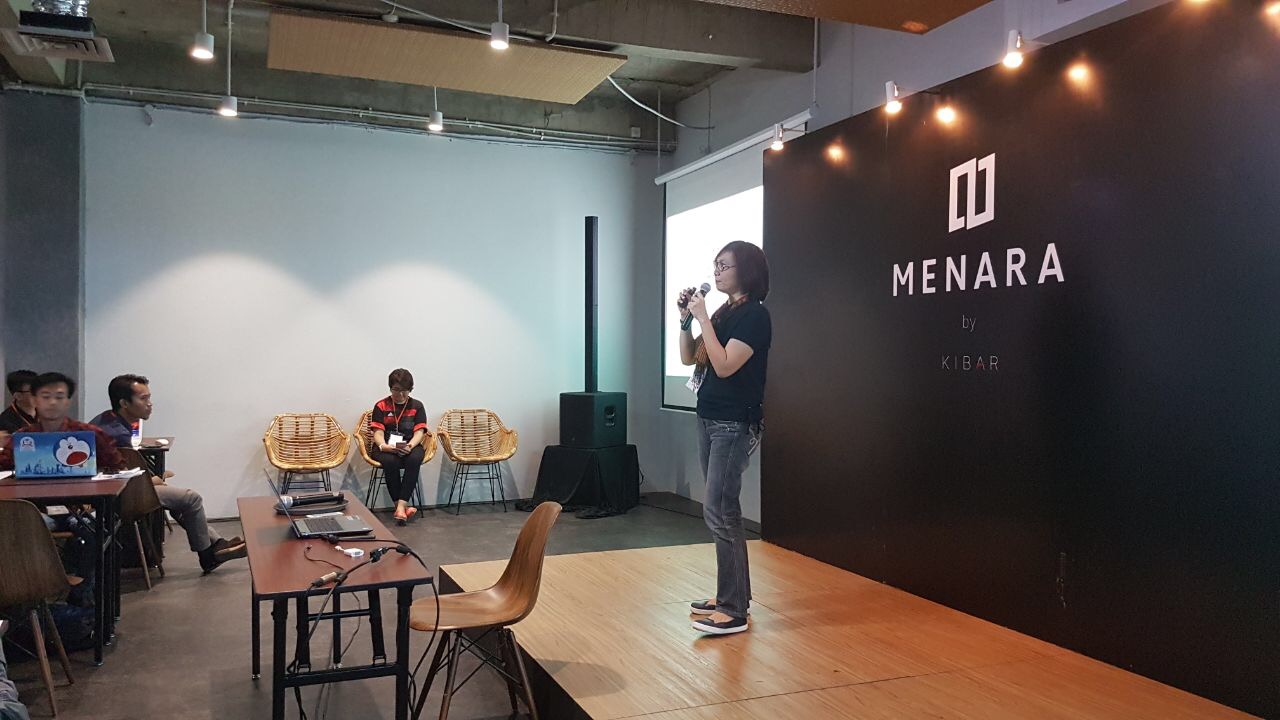
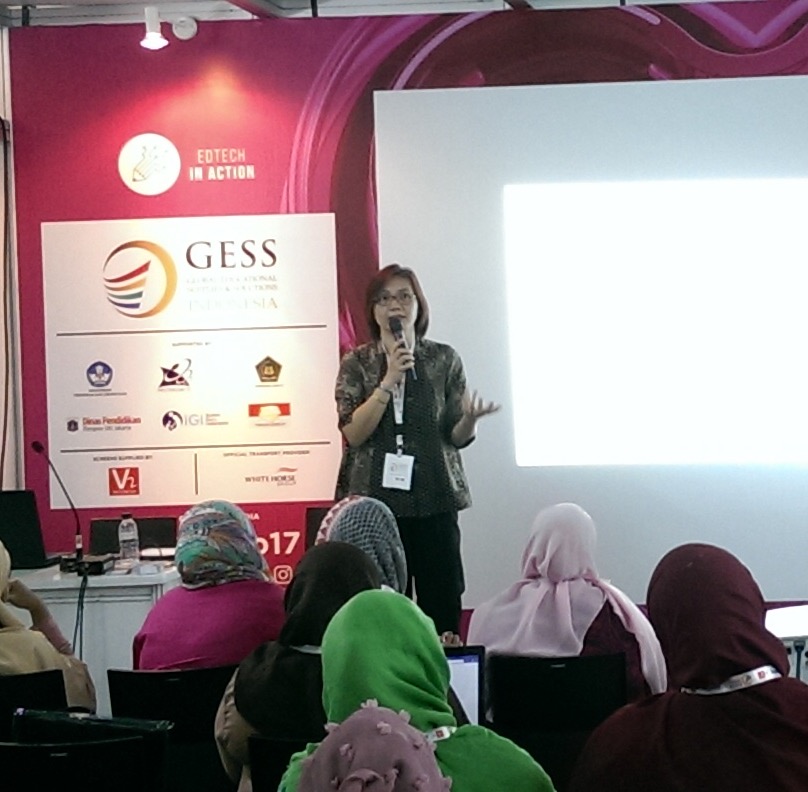
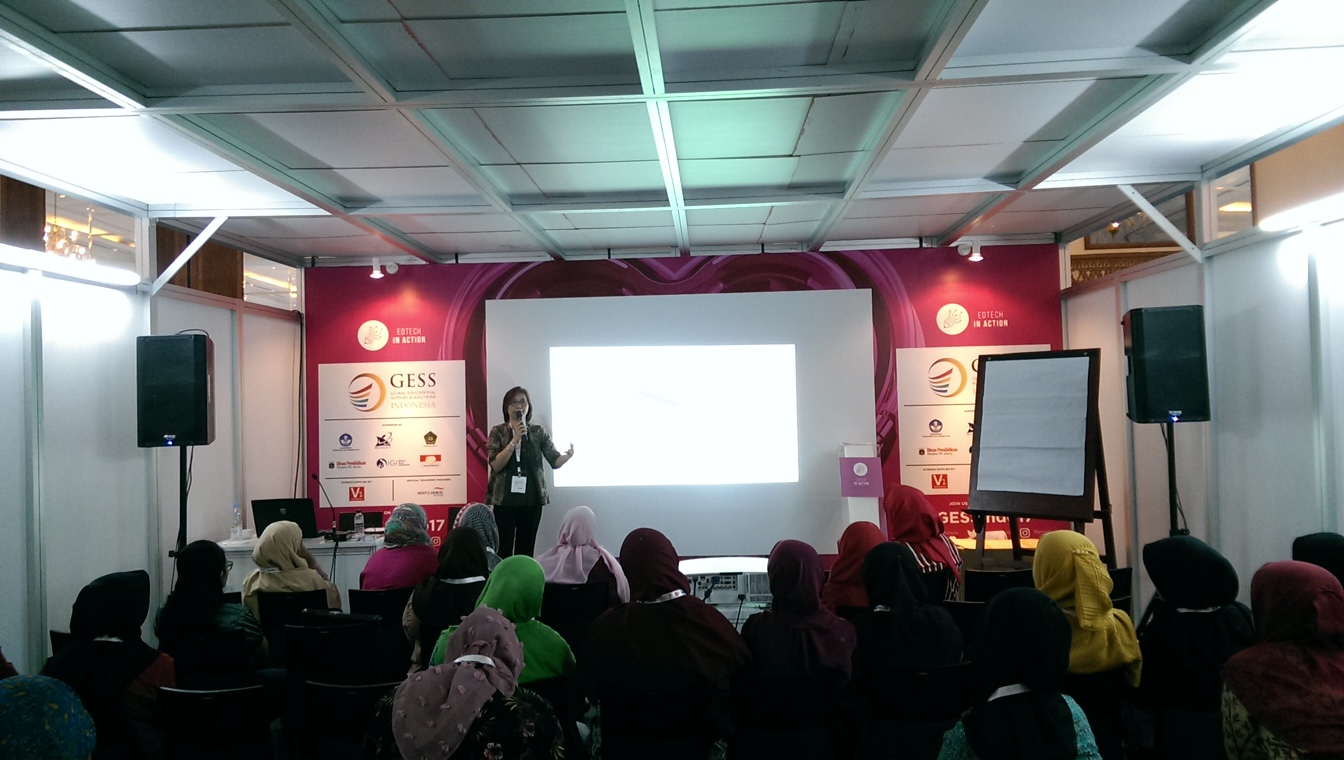
On Saturday, 14 October 2017, I joined the event held by EduXpert, in Menara Kibar, Menteng. The event based on their motto, “with the aim of enhancing the integration of technology in the classroom, so that it directly impacts students’ learning attitude and the understanding of teaching materials”, fits for us, the educators.
I had opportunity to share my class with GeoGebra, a tool that exist from 2001. After 16 years, GeoGebra still commit to help students and teachers to discover Math deeper. Solve equations, graph functions, create constructions, analyze data, explore 3D math. Amazing!
Last month, in September 2017, they launched the shiny new GeoGebra Graphing Calculator and Geometry apps. The completely revised design and cool new features are available for all devices.
They also make “Turn your Phone into an Exam Calculator”. The exam mode has been developed to create an easy-to-use solution for paper based exams where phones or tablets with the GeoGebra Graphing Calculator app replace a traditional calculator. During exam mode, students are offline and can only use the GeoGebra app – nothing else.
I (and hopefully Math Teachers 🙂 )love GeoGebra because:
- It allows me and teachers to continue teaching. GeoGebra doesn’t replace me. It helps me what I do best – teach.
- It allows me and teachers to plan and deliver better lessons. GeoGebra gives me the freedom to create lessons that I know know my students will find interesting.
- It allows me and teachers to connect to other teachers as a part of a global math community.
I really do hope for my students and all students who use GeoGebra, to love it, too, because:
- It makes math tangible. GeoGebra makes visual way, students can finally see, touch and experience math.
- It makes math dynamic, interactive and fun (fun?? 🙂 ), that goes beyond whiteboard and leverages new media.
- It makes math accessible and available.
- It makes easier to learn. The interactions created by GeoGebra fulfill the students’ need in order to absorb mathematical concepts.
So teachers, don’t just wait, please go and explore GeoGebra as much as you can to fulfill your mathematics class’ need and makes your students absorb more concepts 🙂
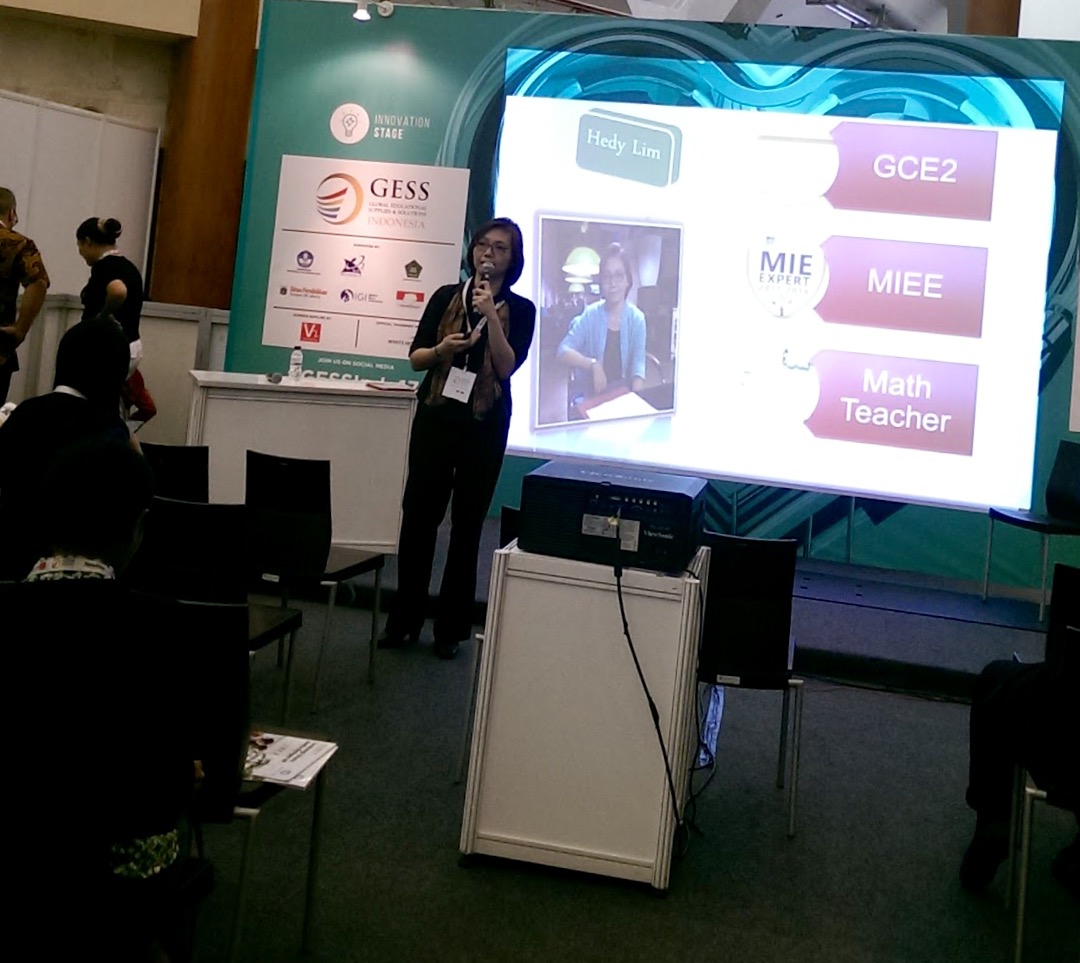
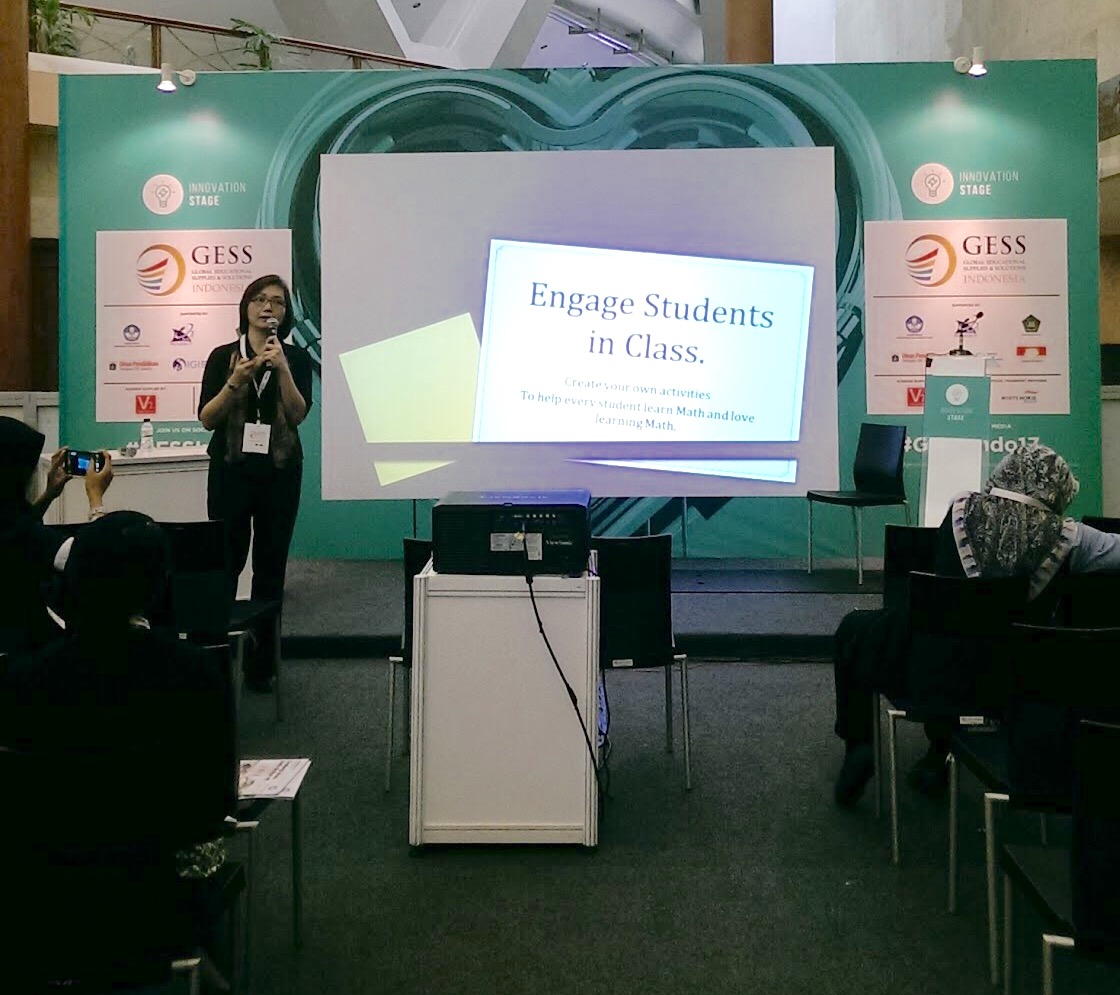
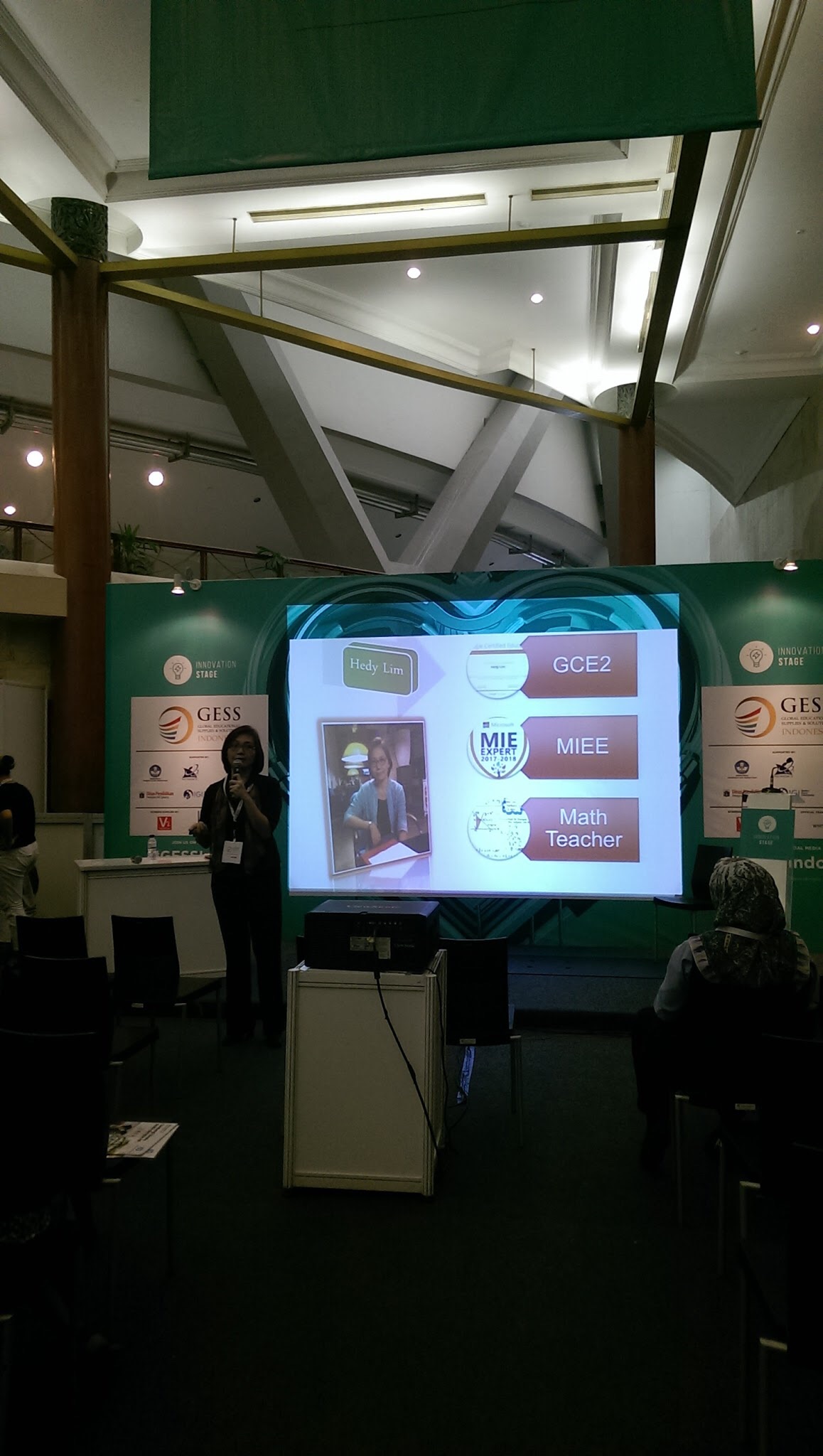
Below are photos and a video during my sharing session sparks: